
Produits et Solutions
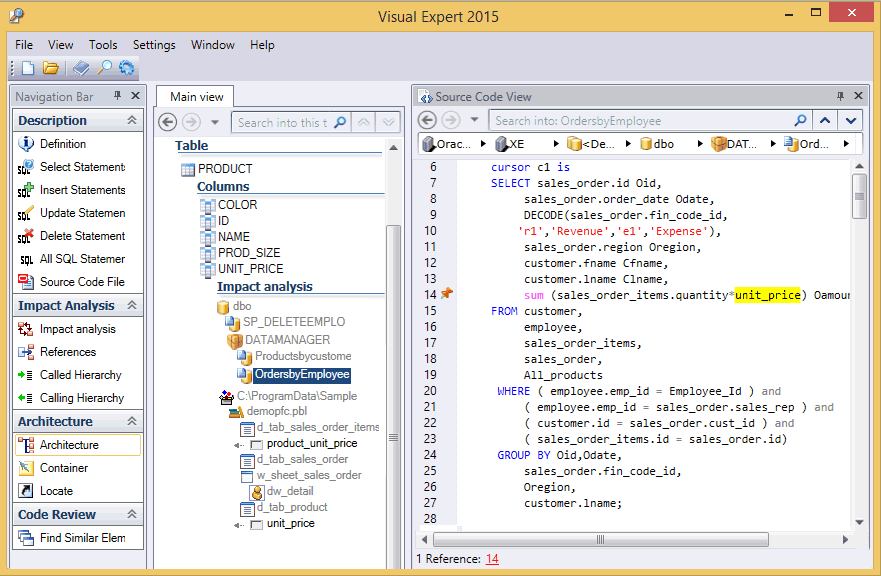
Visual Expert
Analysez votre code PowerBuilder, Oracle et SQL Server
Visual Expert aide les développeurs à découvrir et travailler sur n'importe quelle application exisante.
Comprendre le code, identifier les modifications, anticiper les effets d'une modification avec une analyse d'impact, générer une documentation du code source...

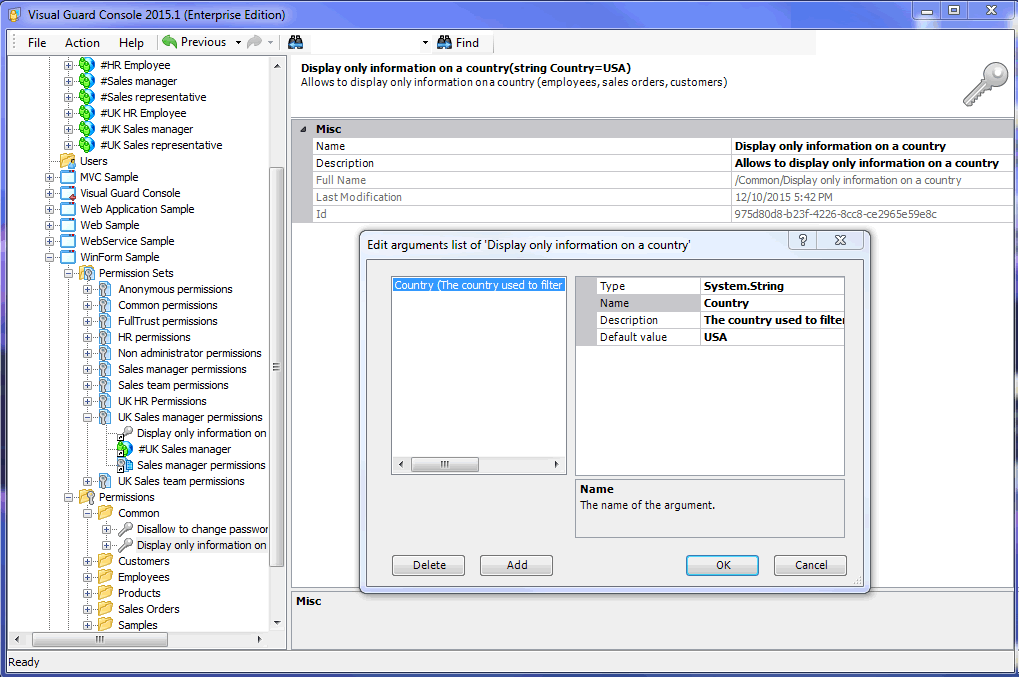
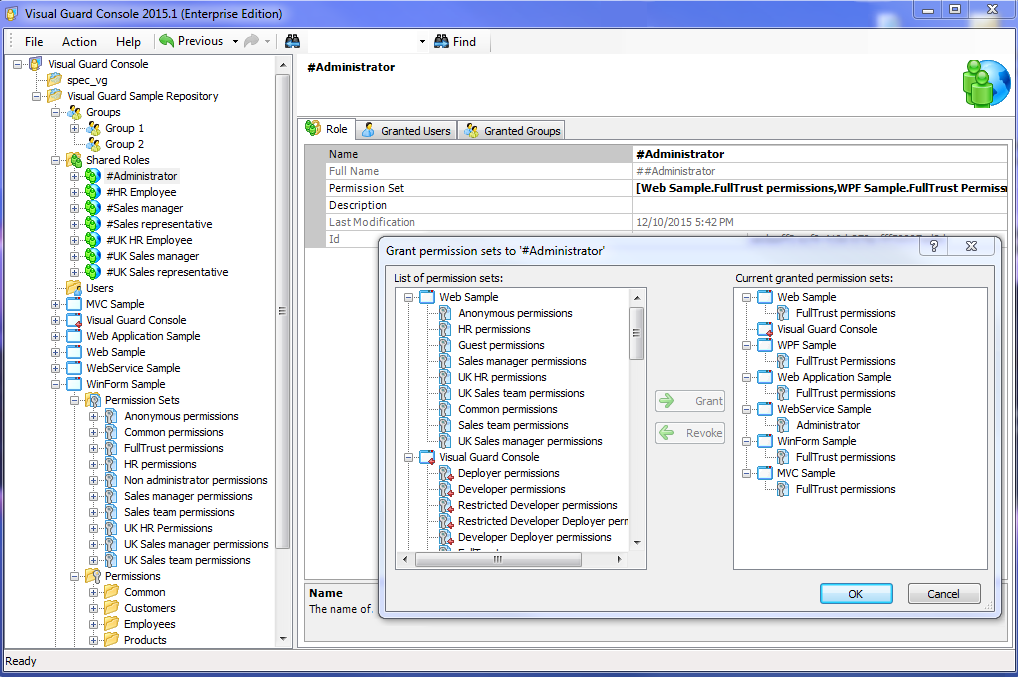
Visual Guard
Gestion des identités et des accès pour les applications d'entreprises
Visual Guard est un Framework de Sécurité, qui ajoute des fonctionnalités de sécurité à vos applications. Cette solution modulaire couvre la plupart des architectures et besoins de sécurité, depuis la gestion des permissions d’une application (Professional Edition), jusqu’à la gestion globale des Identités et Droits d’Accès pour toutes les applications de l’entreprise (Enterprise Edition).

Ultimate Suite for PowerBuilder
AscentialTest
Tests automatisés, Tests manuels et Gestion des tests
AscentialTest produit des tests robustes, faciles à maintenir, développés sans qu'il soit nécessaire d'avoir une expérience de la programmation.
Partager
Plus d'info

Omnis Studio
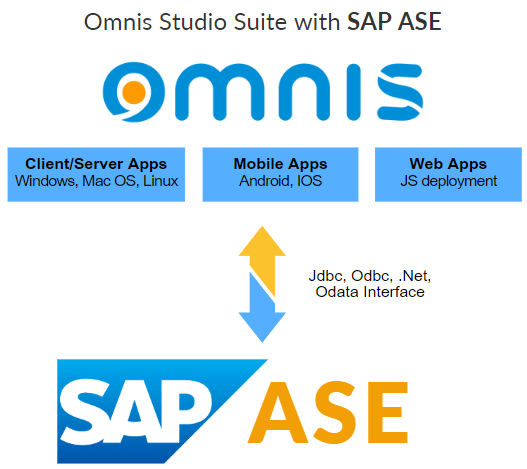
Développez des applications multiplateformes basées sur SAP Adaptive Server Enterprise (ASE)
- Serveur de réplication
- Haute disponibilité
- Optimisation de la charge de travail
- Inclut SAP IQ
- Multiplateforme
- Évolutivité et flexibilité
- Prise en charge des applications critiques
Partager
Plus d'info
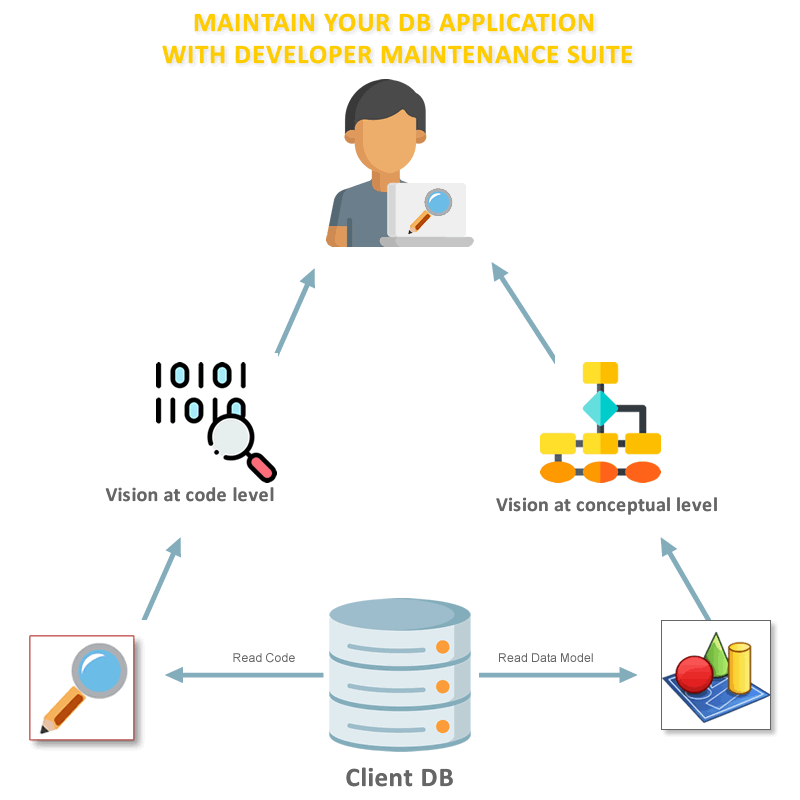
Developer Maintenance Suite
Modélisation, Exploration, Documentation
Analysez votre base de données (code et structure) et exploitez les fonctionnalités d'exploration du code, d'analyse d'impact, de documentation technique et d'examen du code, combinées à une représentation conceptuelle et logique de votre base de données.
Developer Maintenance Suite aide les développeurs chargés de la maintenance des applications à faire évoluer le code rapidement et en toute sécurité.
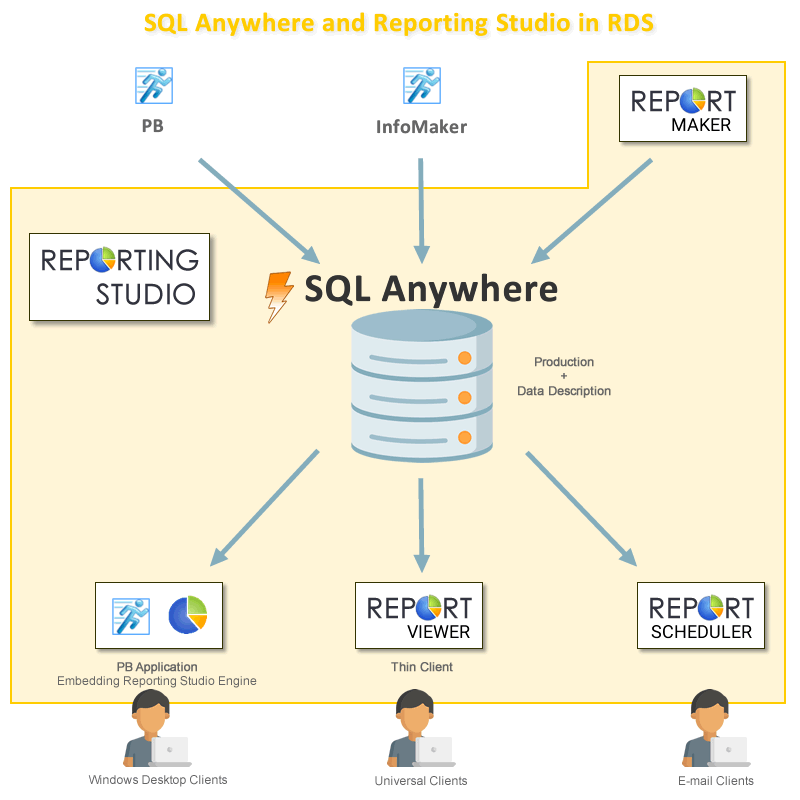
Reporting Data Suite
Passez à SQL Anywhere 17
En utilisant Reporting Sutio et SQL Anywhere, vous pourrez créer et partager de nouveaux rapports à partir de vos applications sans aucune compétence en programmation.
Partager
Plus d'info
Enable pour PowerBuilder
Dotez vos applications PowerBuilder d'une interface multilingue
Enable est un outil utilisé par les développeurs PowerBuilder pour rendre leurs applications multilingues. Avec Enable, les développeurs peuvent étendre une simple application monolingue PowerBuilder avec seulement quelques modifications au code original. En quelques heures, votre logiciel est prêt à être distribué avec sa propre base multilingue et le moteur libre de droit d'Enable.
Partager
Plus d'info


PowerLIB
Le premier Framework PowerBuilder français
 PowerLIB fournit au développeur tous les composants nécessaires à la réalisation d'applications client/serveur. L'intégration de ces composants est simplifiée au maximum permettant un gain de temps sur la réalisation de 40 à 80% selon l'application et réduisant le nombre de lignes de code à écrire de plus de 50%.
Premier Framework français depuis 1993, PowerLIB est devenu la référence du marché : les plus grosses applications françaises en production sont basées sur PowerLIB.
Le développeur, grâce à de nombreux assistants, se concentre sur la programmation des règles métier de son application et laisse à PowerLIB la gestion de la partie technique de l'application. PowerLIB s'appuie sur les standards de Microsoft et Sybase. Des guides méthodologiques (IHM, normes de programmation) complètent l'atelier PowerLIB: vos développements sont normalisés et structurés.
L'architecture de PowerLIB permet l'intégration d'objets métiers en séparant l'aspect règles de gestion de l'interface graphique.
Notre cursus de formation rend un débutant opérationnel en 4 jours. Avec PowerLIB, vos équipes de développement disposent immédiatement d'un outil puissant et prêt à l'emploi.
Description de PowerLIB
Aide à la programmation
Grâce à son atelier, PowerLIB facilite la vie du développeur. L'atelier est un environnement de développement entièrement visuel proposant des assistants pour la programmation des objets PowerLIB. Ces assistants ont pour objectif de faciliter l'apprentissage et d'augmenter la productivité des développeurs.
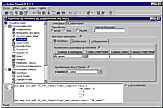
Figure 1 : Atelier PowerLIB
En plus de l'atelier, PowerLIB fournit aux développeurs:
- Une aide en ligne complète en français sur l'ensemble de ses fonctionnalités.
- Une application exemple montrant l'utilisation concrète de PowerLIB.
- Un guide méthodologique complet portant sur les règles d'ergonomie, de développement, d'optimisation du code,...
- Un support technique compétent connaissant parfaitement les contraintes de développement d'application à l'échelle de l'entreprise.
Gestion de l'IHM
PowerLIB permet le développement d'applications ayant une interface graphique complexe. PowerLIB facilite non seulement la communication de chacun des composants graphiques entre eux mais aussi les échanges avec la base de données.
PowerLIB fournit :
- Le support des applications MDI et gestion de l'enchaînement des écrans,
- La synchronisation maître/détail automatique (en consultation et en modification),
- Des assistants d'aide à la saisie (fenêtre de sélection, drag&drop, copier/coller, recherche par code ou par libellé,..).
- Des modules de recherche, de filtre et de tri avancés,
- Un menu contextuel,
- La gestion de Listview, Treeview et Explorer en relation avec la base de données.
- Etc...
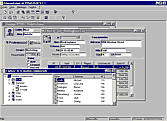
Figure 2 : Exemple d'application
PowerLIB permet le développement d'application ayant une interface graphique complexe.
PowerLIB facilite non seulement la communication de chacun des composants graphiques entre eux,
mais aussi les échanges avec la base de données.
Gestion des données
- Prise en charge de l'enregistrement des données et de la gestion des transactions,
- Contrôle automatique des champs obligatoires,
- Optimisation du trafic réseau (en limitant les échanges client/serveur).
- Synchronisation des données
Divers
- Gestion centralisée des messages applicatifs,
- Gestion des impressions (aperçu avant impression, visualisation, zoom...).
- Possibilité de sécuriser PowerLIB avec Visual Guard